

Your agent. Always improving.
Skybert connects your existing agent to a data feedback loop that turns real-world usage into better performance.
Bring your agent
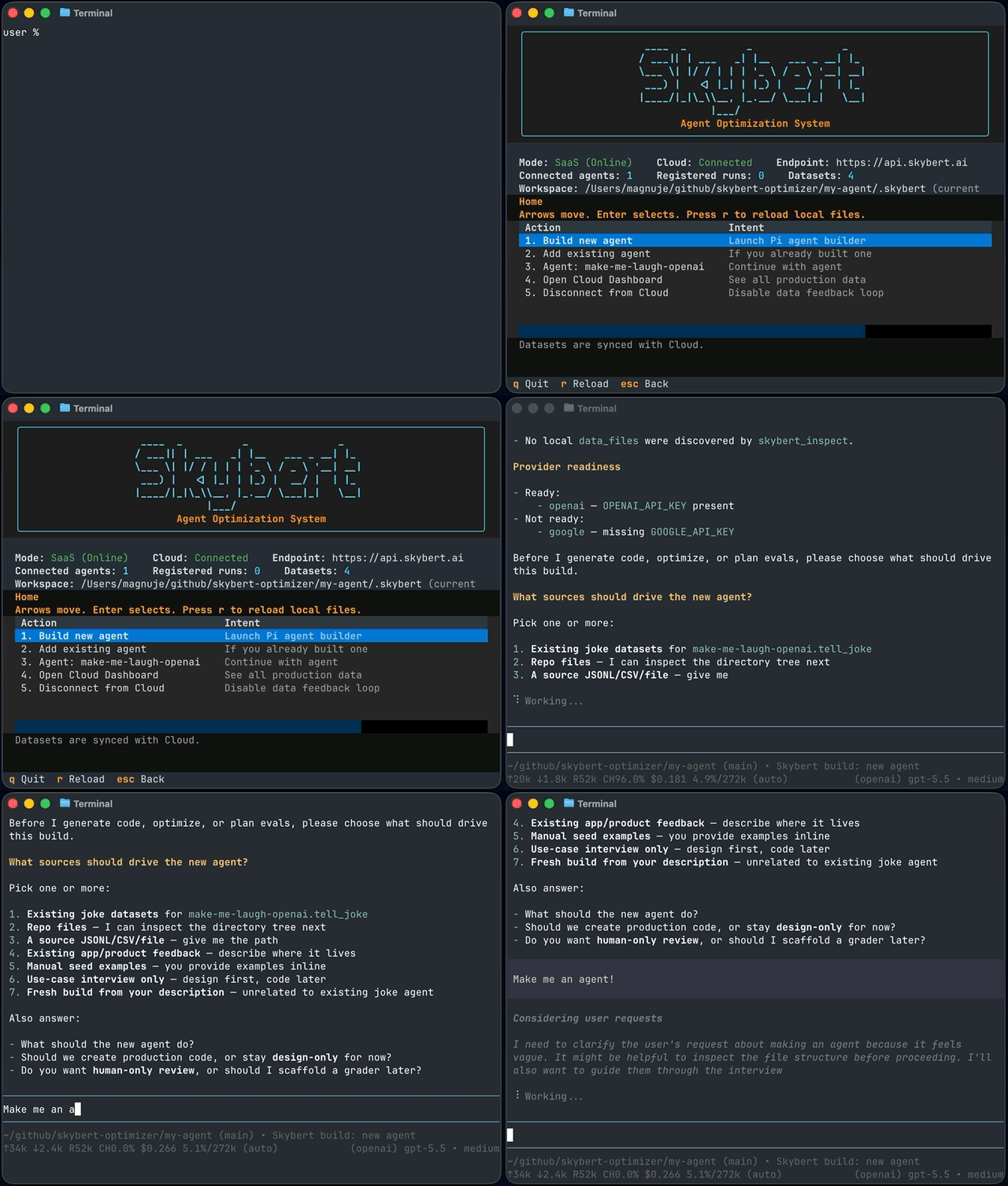
Open Skybert’s Agent Optimizer CLI in your agent’s folder and choose Add existing agent. It guides you through connecting your code, choosing what data to capture, and defining what a successful result looks like. Start with examples you already have, or collect them as your agent runs.
Everything happens in your own terminal with your preferred model provider.
Continuous Improvement
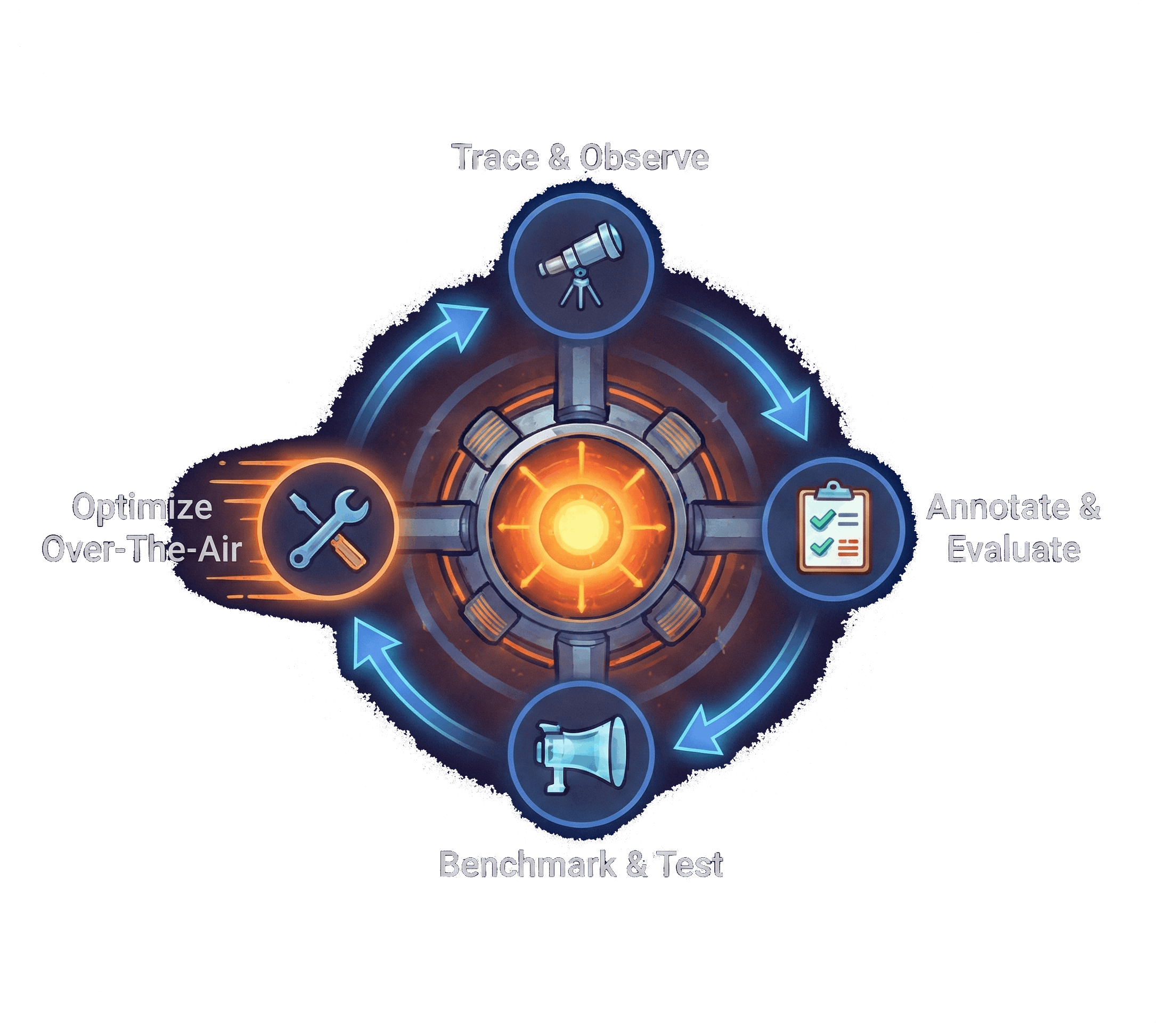
The Agent Optimizer uses your feedback datasets to automatically refine prompts and code, then evaluates the changes against your current version. See how each version handles the same tasks, so you can judge whether it performs better.
Review the changes and evaluation results, then ship through your usual workflow.
Capture real-world interactions
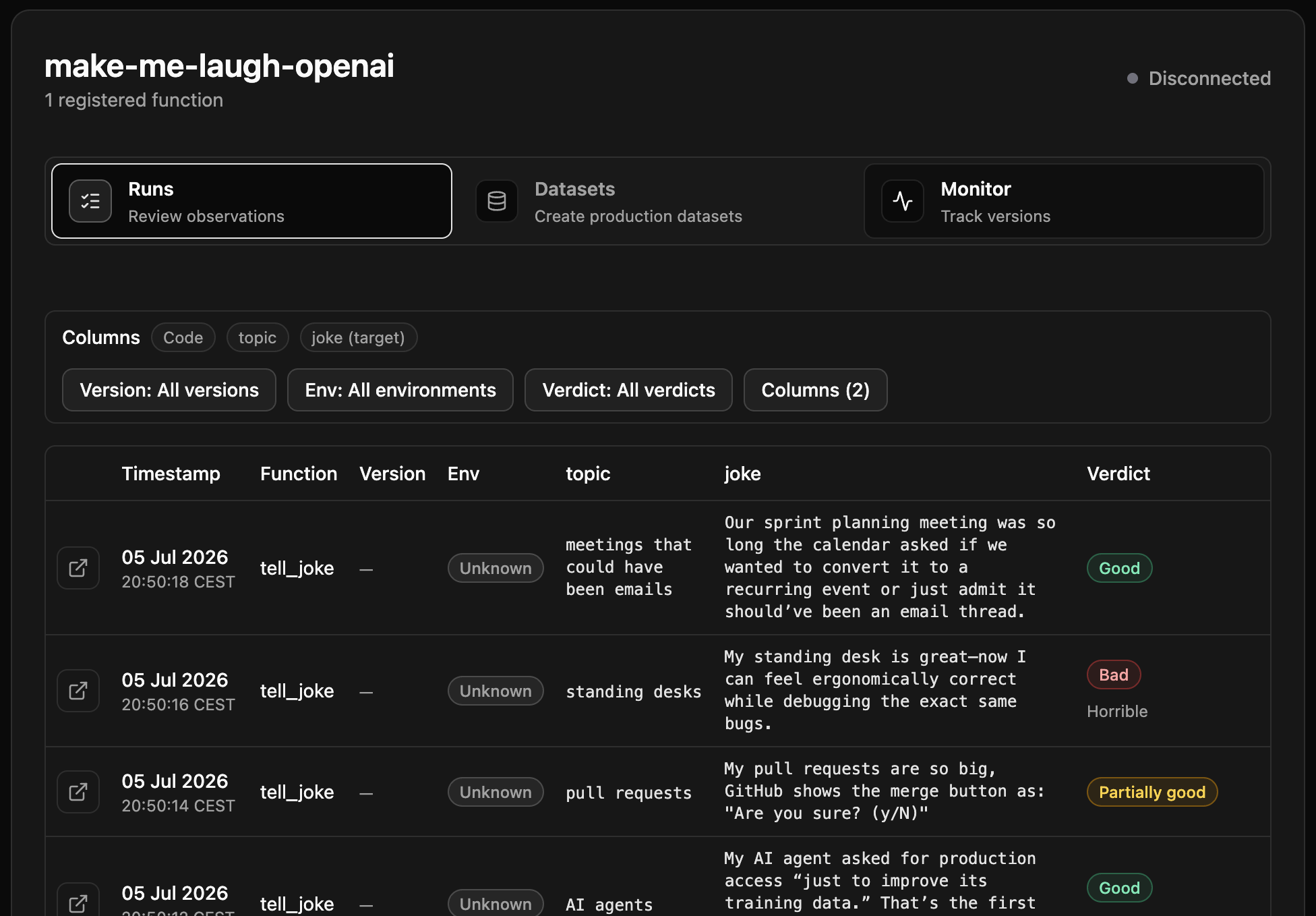
The Skybert Python package captures inputs and outputs from production runs. In Skybert Cloud, your team can review interactions, annotate results, and turn that feedback into datasets ready to sync with your local Agent Optimizer.
Collect data from agents running across different environments and bring it together in one place. Cloud is optional—you can also collect and annotate data locally.
Built on experience
Skybert is built by a team with years of experience developing agents for complex business tasks. It brings the evaluation and optimization practices from that work into your own agent projects.